
GPT Image 2 AI Image Generator
GPT Image 2 is OpenAI's latest image model — and it's available to use free, right here. Type what you want, get a 4K image back. Edit any photo with a sentence. Render text that's actually readable. No design tools, no technical setup, no prior experience needed.
What is GPT Image 2?
GPT Image 2 is a tool that generates and edits images from plain-language descriptions, built on OpenAI's most capable image model to date. It outputs natively at 2K resolution with optional 4K upscaling, and renders readable text inside images with 95%+ accuracy — something most AI image tools still can't do reliably.
It lets you create product visuals, edit existing photos, and maintain a consistent character across a series of images — all by typing what you want in plain English. Change the background. Swap the lighting. Add a headline that actually reads correctly. Each action takes one sentence, not twenty minutes in Photoshop.
Try GPT Image 2 Free →Launched with Ghibli-style output that went viral. Max res: 1024px. No text rendering. No editing.
4× faster. Text rendering improved. Cost down 20%. Max res: 1536×1024.
Native 2K, 4K upscaling. 95%+ text accuracy. Multi-language text. Character consistency. Full natural-language image editing.
What GPT Image 2 Can Do
Six things that separate it from the image generators you've already tried.
Native 4K image output
GPT Image 2 generates images natively at 2048×2048, with optional upscaling to 4K — double the resolution of GPT Image 1.5.Sharp enough for print, billboard ads, and large-format e-commerce display.
↑ 2× resolution vs. v1.5Readable text inside images — 95%+ accuracy
Renders Latin script, Chinese, Japanese, Korean, and Arabic inside generated images with 95%+ accuracy.For posters, product packaging, infographics, and ads where text legibility is non-negotiable.
Best accuracy among major AI image modelsEdit any image with a sentence
Edits photos using plain-language instructions — inpainting, outpainting, background replacement, and object removal included.No layers, no selections, no Photoshop required.
↑ Major upgrade from GPT Image 1.5Same character, every image
Locks a character's face, outfit, and style across multiple generated images — without manual reference uploads each time.Used for children's books, brand mascots, storyboards, and product character series.
New in v2Any style, one model
Switches between photorealistic, illustrated, anime, product-render, and architectural styles within a single session.No fine-tuning. No separate model. Just describe the style in the prompt.
Photo · Anime · Product · Illustration · ArchitectureCommercial use included on paid plans
Full commercial rights to every image you generate — on any paid plan, with no additional licensing fee.Use outputs in client deliverables, ad campaigns, product packaging, and resale.
Starter · Creator · Studio plansWhat People Actually Use GPT Image 2 For
These aren't feature descriptions. They're what real users do with it every week.
E-commerce teams replacing product photography
A Shopify brand with 200 SKUs cut studio costs by 70% in one month. They uploaded a reference photo, typed the background and lighting they wanted, and got print-ready 4K images back in minutes — no photographer, no retoucher.
Marketing teams shipping ad creative in hours, not days
A D2C brand runs 12 ad variations per week across Meta and display. Each one used to take a designer 2 days. Now the copy team types the image, the headline goes in the prompt, and finished assets go to media buyers the same afternoon.
Authors illustrating books without hiring an illustrator
A children's book author illustrated 28 scenes featuring the same protagonist — same face, hair, and outfit every time — using character consistency. Total cost: one Creator plan and 4 hours of prompting.
Developers running automated image pipelines via API
A real estate SaaS integrated GPT Image 2 to auto-generate 3 staged room variations for every new property listing — pulling room type from listing data, no human in the loop. Output: 4,000 images per week.
How to Use GPT Image 2 (3 Steps)
Three steps from prompt to download — no design tools, no prior experience needed.
Enter a Prompt or Upload an Image
Enter a text prompt, upload a reference image, or use both. Describe the subject, background, lighting, and style clearly. More detail leads to more accurate results.
"A flat-lay of a black leather wallet on white marble, soft overhead light, 4K, product photography"
Choose Aspect Ratio and Image Quality
Select an aspect ratio such as 1:1, 16:9, or 9:16. Adjust image quality before generating. Standard quality is free, while high-quality and 4K require a paid plan.
Generate, Download, or Refine
Images are ready in under a minute. Download or share instantly. Not satisfied? Adjust your prompt or settings and regenerate in seconds.
GPT Image 2 vs Midjourney, DALL-E 3, and Flux 2
Here's how GPT Image 2 stacks up on the features that most users actually base their decision on. Not marketing specs — what it does differently in practice.
| Feature | GPT Image 2 | Midjourney V8 | DALL-E 3 | Flux 2 |
|---|---|---|---|---|
| Max resolution | 4K (2048×2048+) | 2K native | 1024px | 2K |
| Text rendering | ★★★★★ 95%+ | ★★★ Unreliable | ★★★ Moderate | ★★★★ Good |
| Natural-language editing | ✓ Full | ✗ Limited | ✗ Limited | ✗ No |
| Character consistency | ✓ Native | ✓ via --cref | ✗ No | ✗ No |
| Official API | ✓ Yes | ✗ None | ✓ Yes | ✓ Open source |
| Free plan | ✓ Yes | ✗ None | Limited | ✓ Open source |
| Commercial license | ✓ All paid plans | Paid plans only | ✓ Yes | ✓ Open license |
Gallery
See What GPT Image 2 Creates
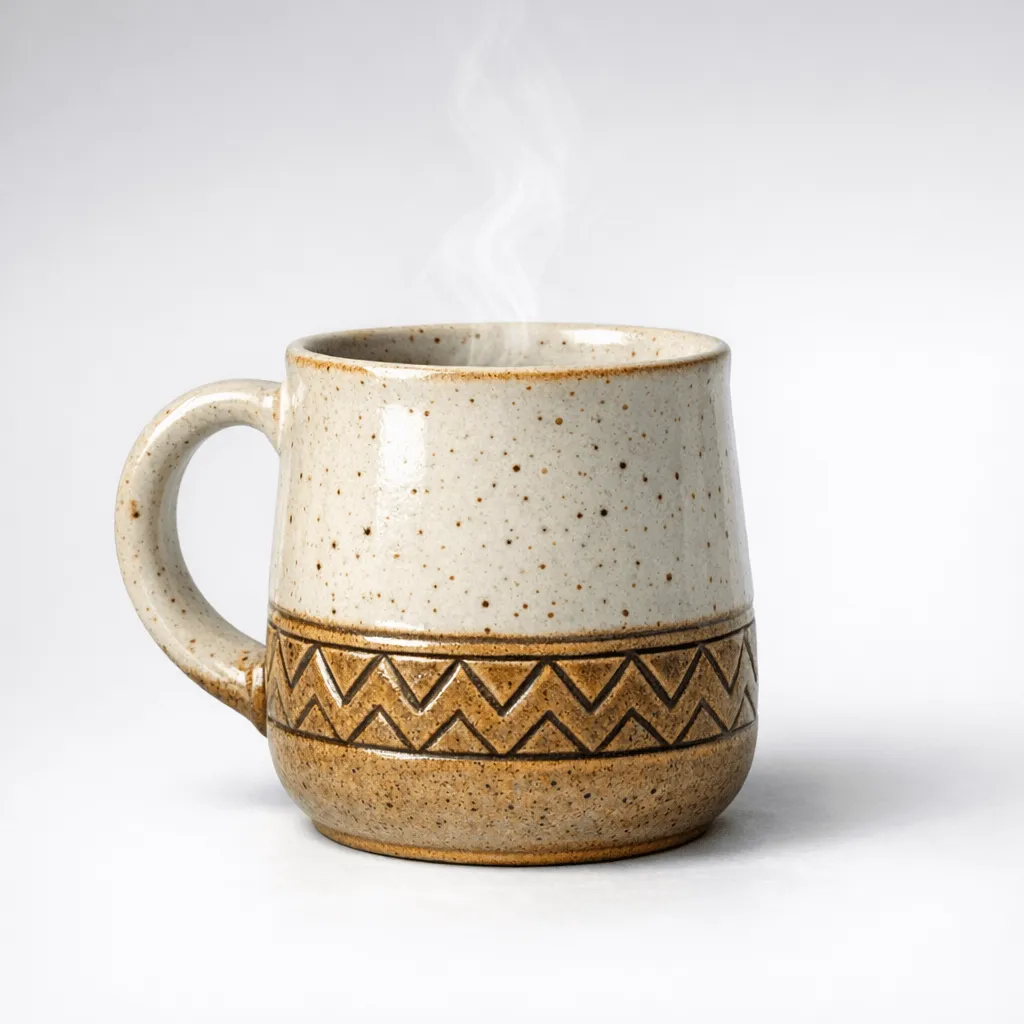
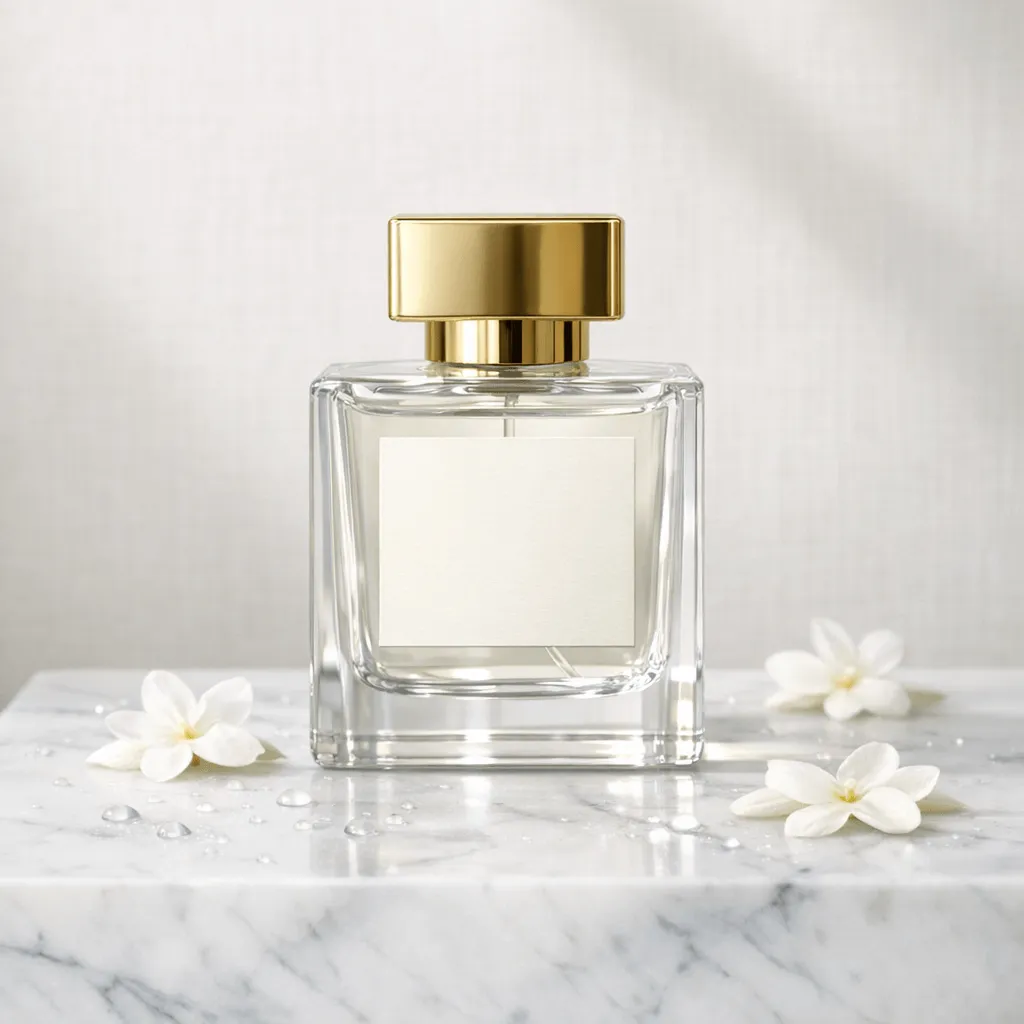
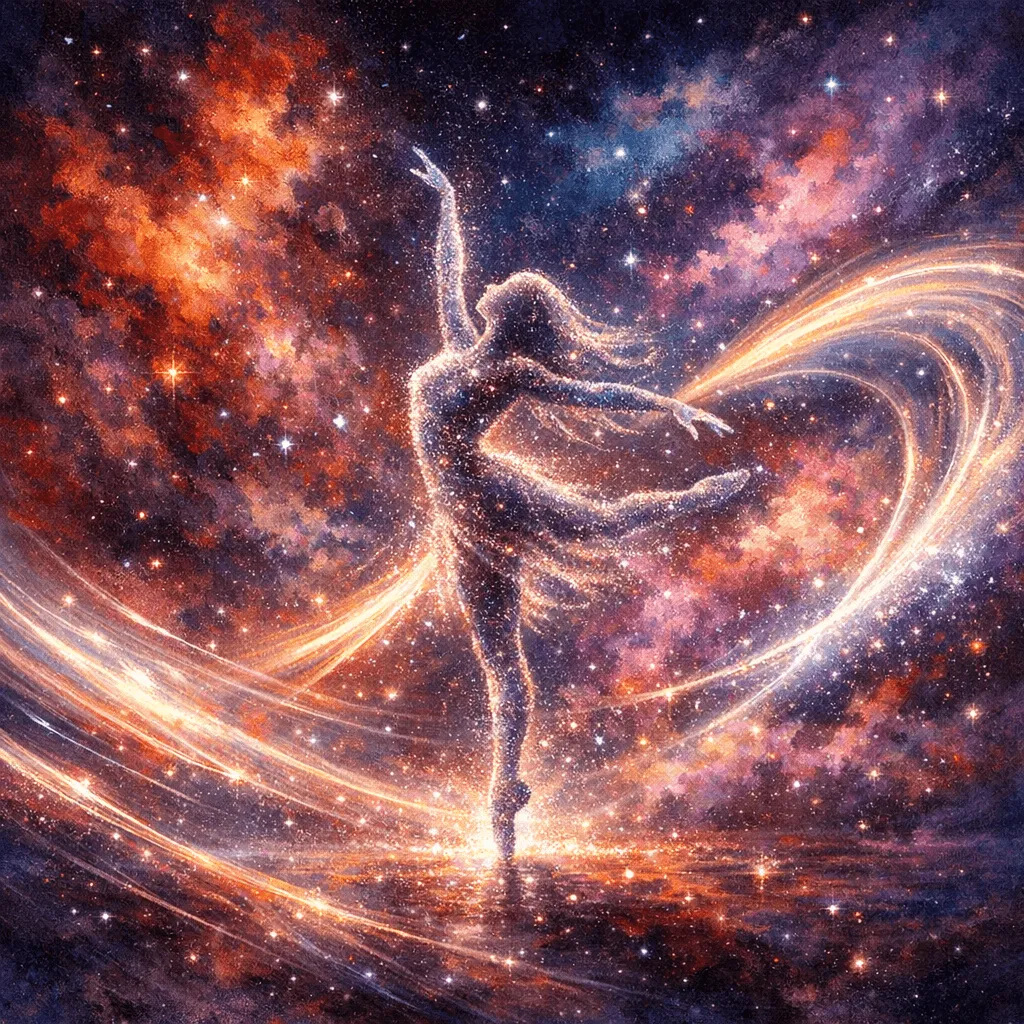
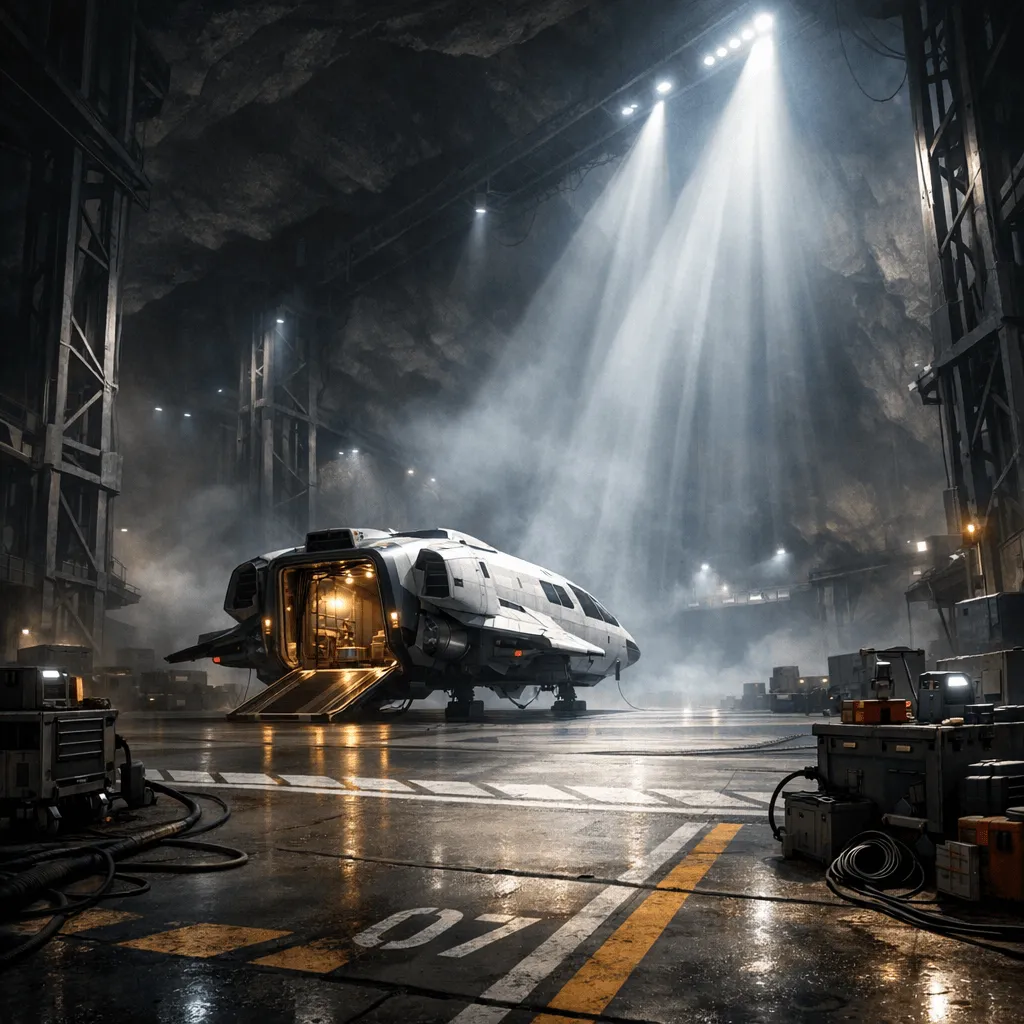
Real outputs. Real prompts. No cherry-picking — just what the model produces on the first try.
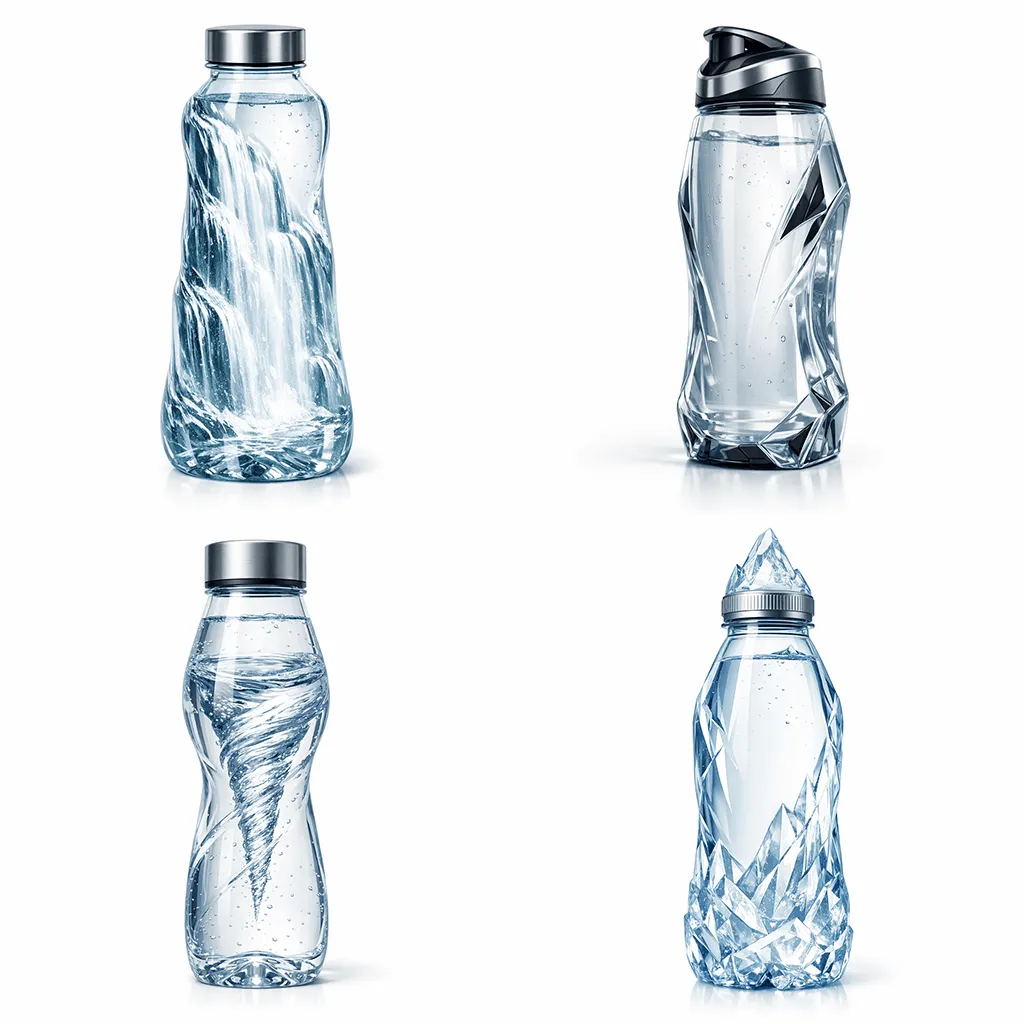
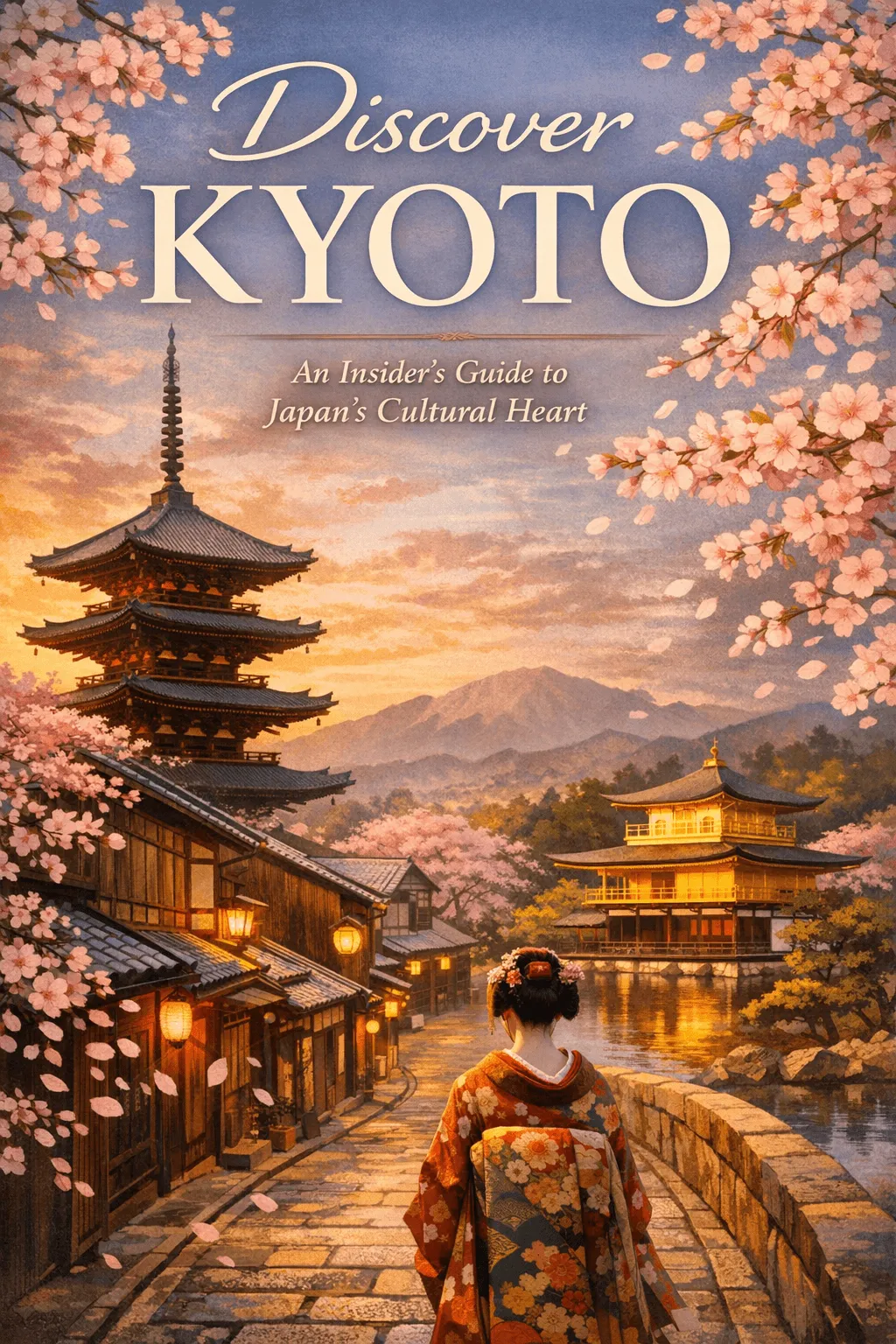
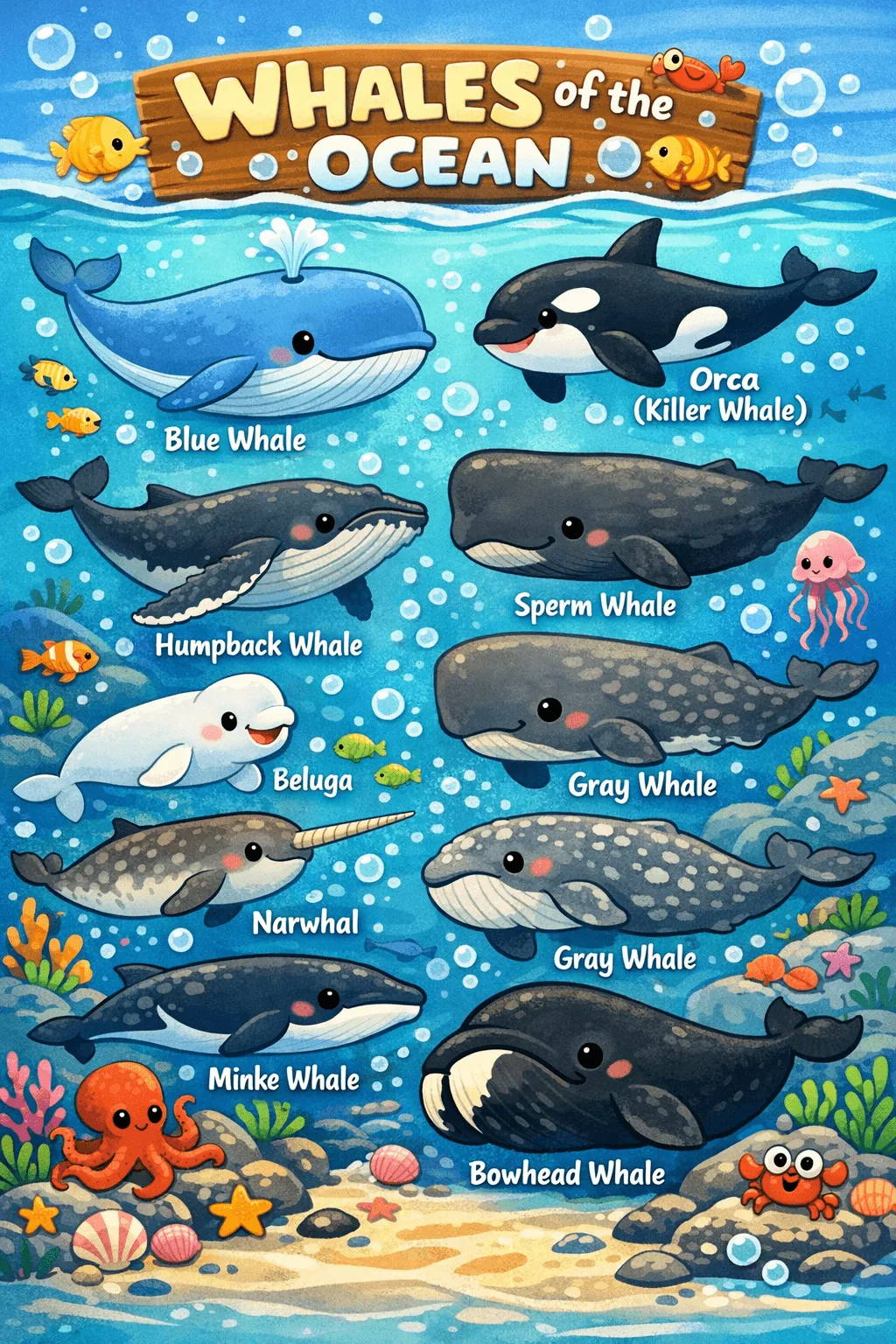
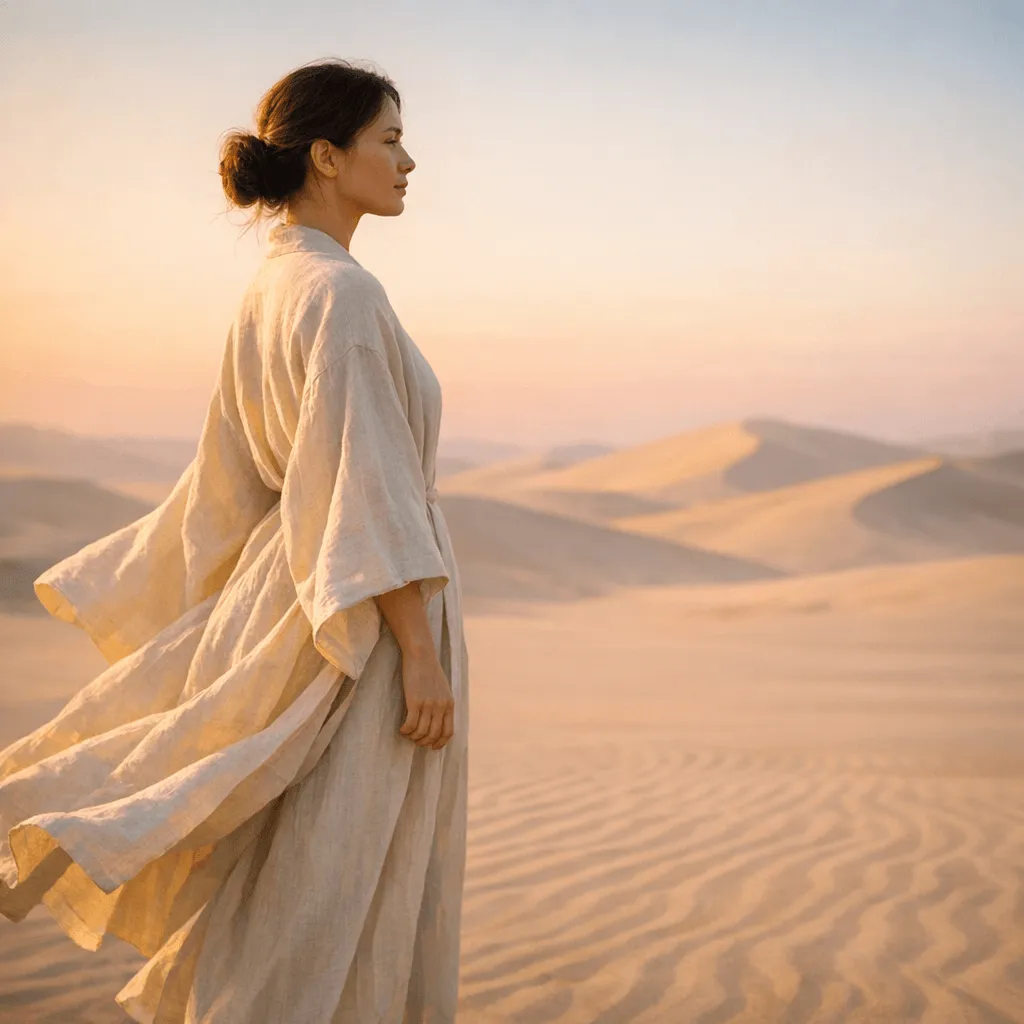
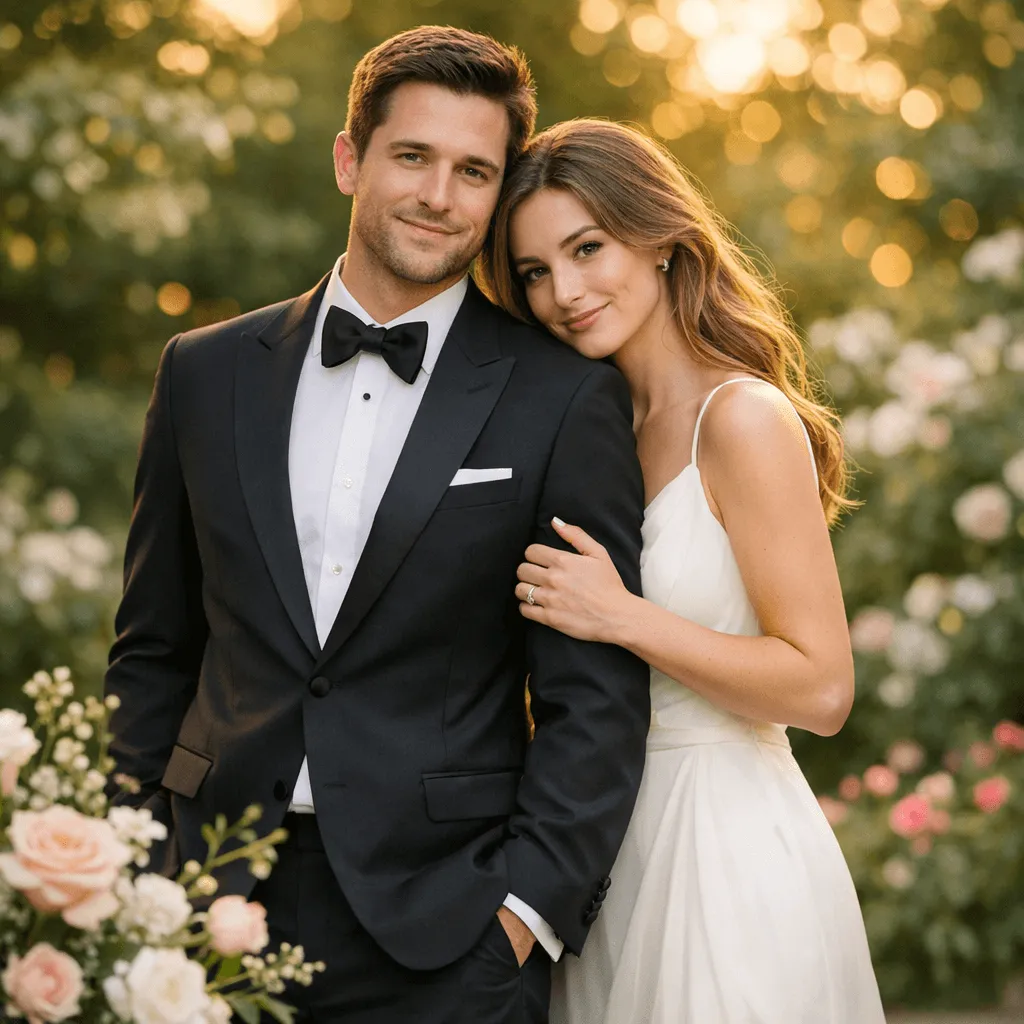
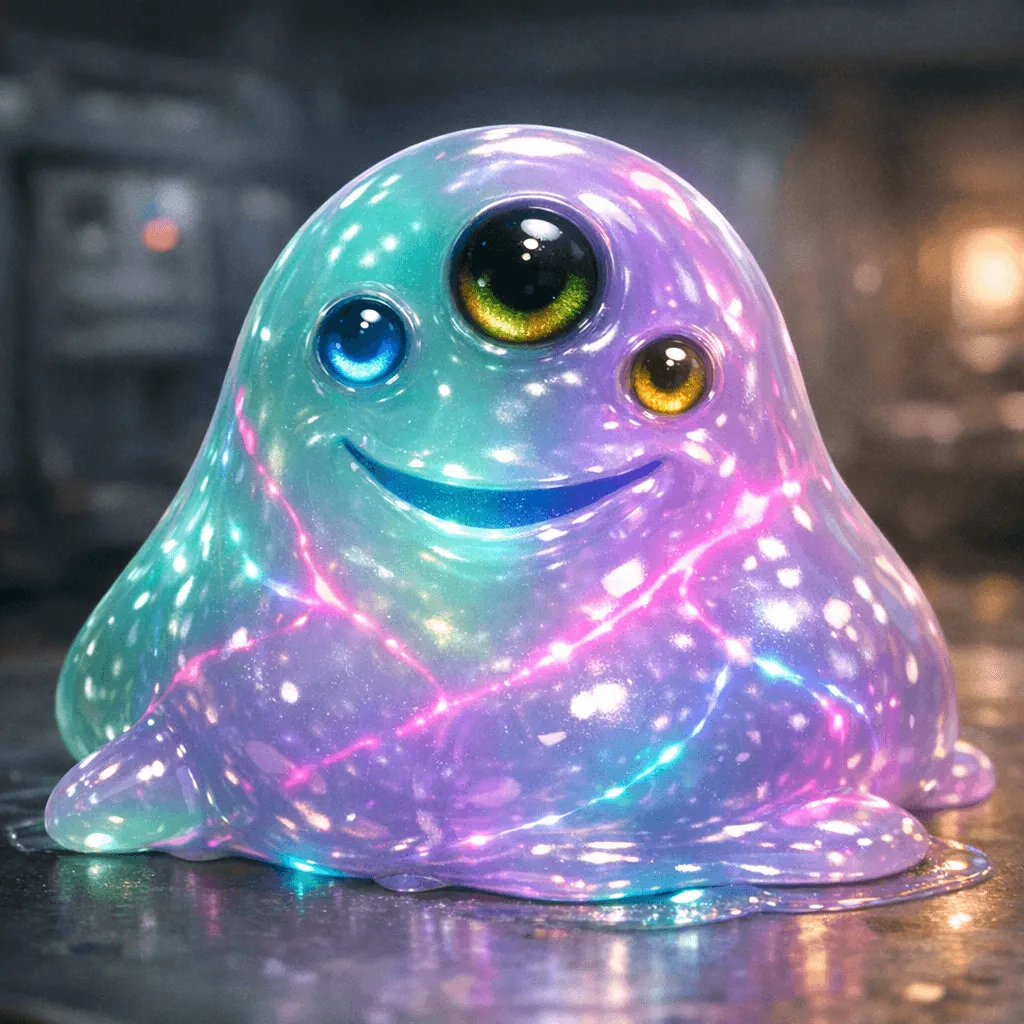
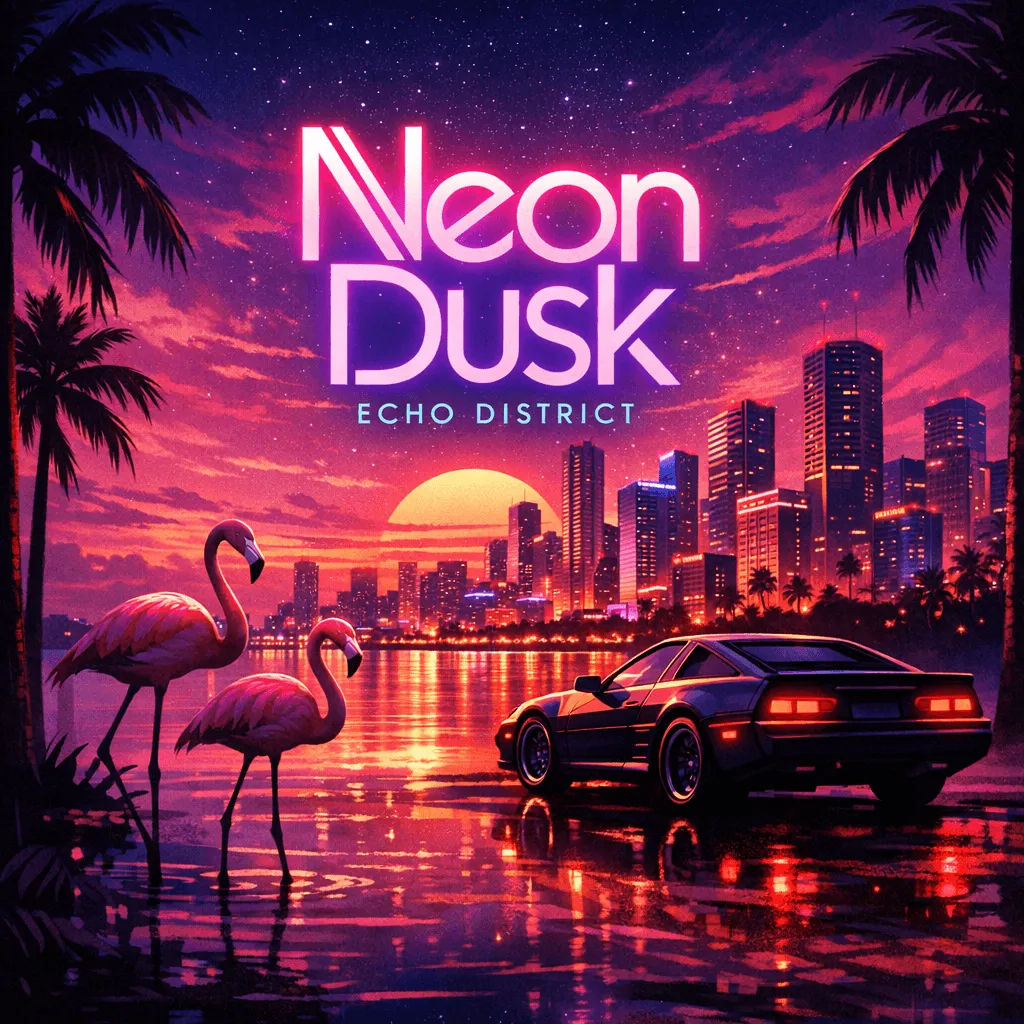
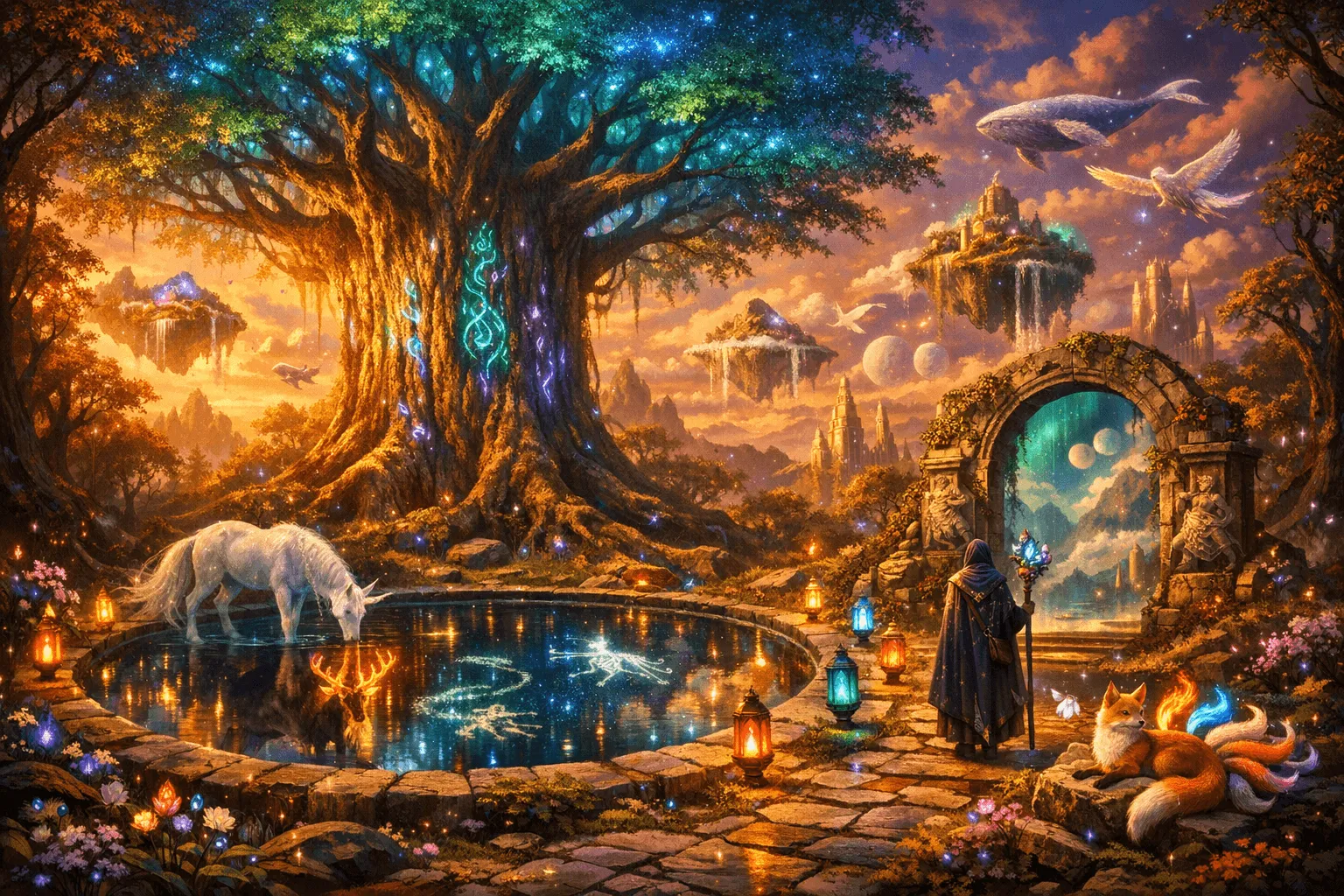
Over 12M+ images generated. Free to start.
Generate Your Own →What Users Say After Switching to GPT Image 2
"We cut product photo costs by 70% in the first month. We used to book a studio for 2 days per collection. Now we upload a reference shot, type the surface and lighting we want, and get 4K images back in minutes. Clients can't tell the difference."
"Text rendering was the dealbreaker for me with every other AI image tool. I design packaging — the text has to be correct. GPT Image 2 is the first one where it actually is. Every word, every time."
"We migrated from GPT Image 1.5 to 2 in an afternoon — changed one model parameter in our API call. We're now generating 50,000 product images a month automatically. The resolution and text accuracy upgrade alone justified it."
"I'm writing a 32-page children's book. The same character appears in 28 scenes. Character consistency means she has the same face in every illustration — something I didn't think was possible without hiring a human illustrator for months."
"We run 12 ad creative variations a week. Before this, each one required a designer and a 48-hour turnaround. Now the copy team types the image, the headline goes in the prompt, and we're live the same day."
"I've been on Midjourney for two years. I switched because GPT Image 2 has a real API, a lower starting price, and it can render text. The artistic quality is there too — I was surprised. Didn't expect to say that."
GPT Image 2 Pricing: Flexible Pay-As-You-Go AI Image Generation
One-time purchase. Lifetime credits. No subscriptions.
- ✓200 image generations
- ✓All styles and resolutions
- ✓Commercial use included
- ✓Credits never expire
- ✓625 image generations
- ✓All styles and resolutions
- ✓Commercial use included
- ✓Credits never expire
- ✓Priority generation queue
- ✓1050 image generations
- ✓All styles and resolutions
- ✓Commercial use included
- ✓Credits never expire
- ✓Priority generation queue
GPT Image 2 — Frequently Asked Questions
What is GPT Image 2?+
What's the difference between GPT Image 2 and GPT Image 1.5?+
Can I use GPT Image 2 images commercially?+
What resolution does GPT Image 2 output?+
How accurate is GPT Image 2 at rendering text inside images?+
How do I edit an existing image with GPT Image 2?+
Can GPT Image 2 replace product photography?+
Does GPT Image 2 support text in other languages?+
What file formats does GPT Image 2 export?+
What content does GPT Image 2 refuse to generate?+
Try GPT Image 2 Free
Type a description. Get a 4K image. Edit it with a sentence.
That's it. Free to start, right now.